

Understanding the fields
When you sell a package to a customer:- Service (optional) — the service the package is for, or leave it blank for a package that can be used against any service.
- Sessions included — how many sessions the package covers. BillBasket counts down from here as sessions are used.
- Price paid — the package price.
- Payment mode — Prepaid (paid now — recorded as an advance/credit on the customer’s account) or Postpaid (settled later — no payment taken now). This choice decides whether money is collected at sale time.
- Expiry (optional) — a date after which unused sessions lapse. Leave it blank for a package that never expires.
- Carry-forward — whether unused sessions roll over rather than being lost, where your policy allows it.
How sessions are drawn down
Each package tracks sessions included versus sessions consumed, so a customer’s remaining balance is always clear. When you complete an appointment for a customer who has a usable package covering that service, BillBasket offers “Use package (N left)” — choosing it consumes one session and completes the visit instead of billing it. If a customer has more than one usable package, the one with the fewest sessions left is drawn down first, so nothing is wasted.See it on your device
- Windows PC
- Phone
- Tablet
The Packages screen — search for a customer by name or phone to
see and manage their session packages; add a new customer on the spot
with the icon on the right if they’re not in your Parties list yet.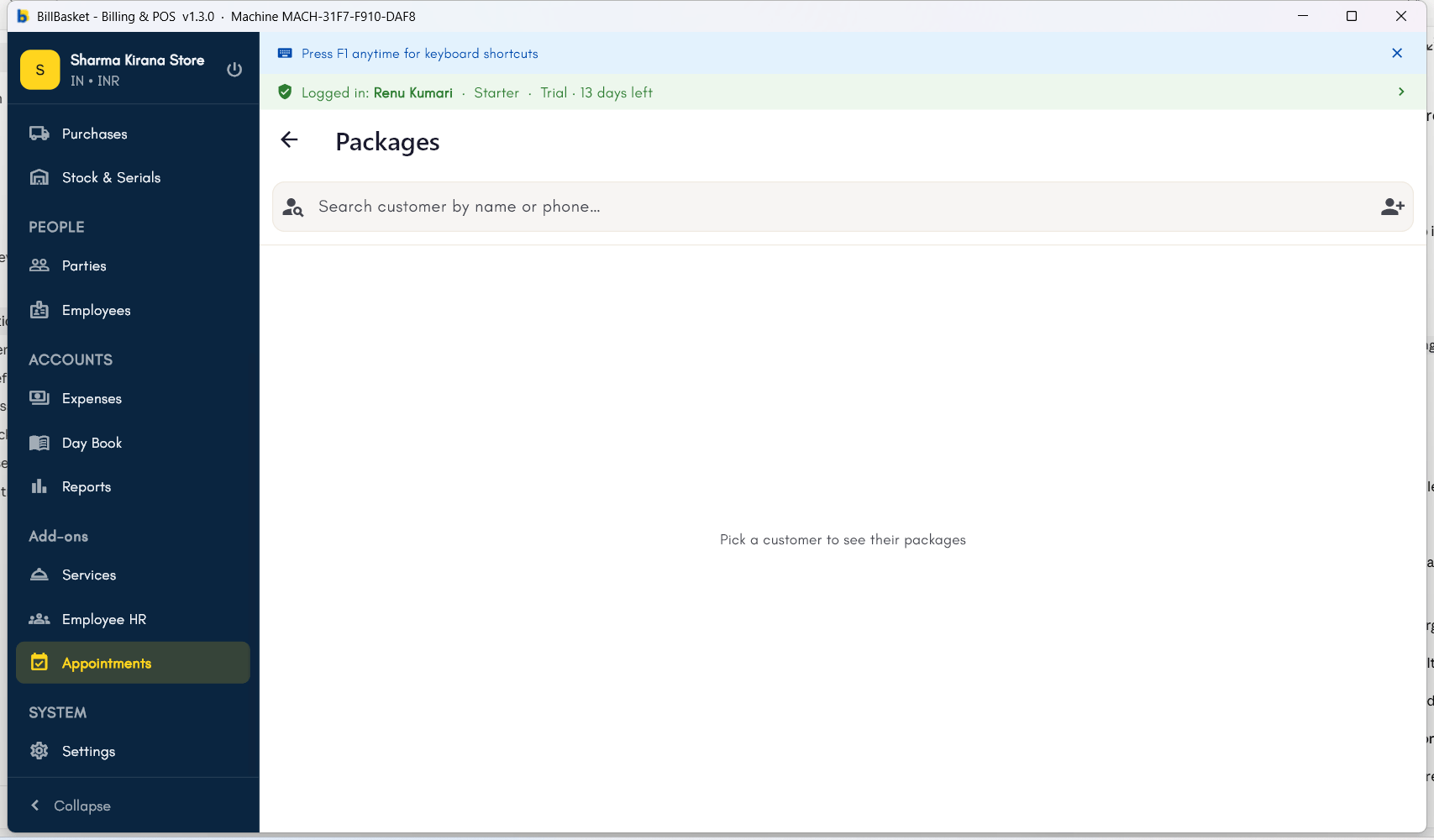
Try it: James Spa
1
Sell a 10-session package
A regular client wants a course of massages. James Fernandes opens
Packages, picks the client, sets the service to “Aromatherapy
Massage”, 10 sessions included, marks it Prepaid, and takes payment —
recorded as an advance on the client’s account.
2
Draw a session down at the visit
When the client comes in and James completes the appointment, BillBasket
shows “Use package (10 left)” — he taps it, the visit is completed
without a separate bill, and the package now reads 9 left.
3
Track the balance over time
Each visit draws one more session, so James and the client can always see
how many remain — and, if he set an expiry or carry-forward rule, how
long they last.