

Understanding the fields
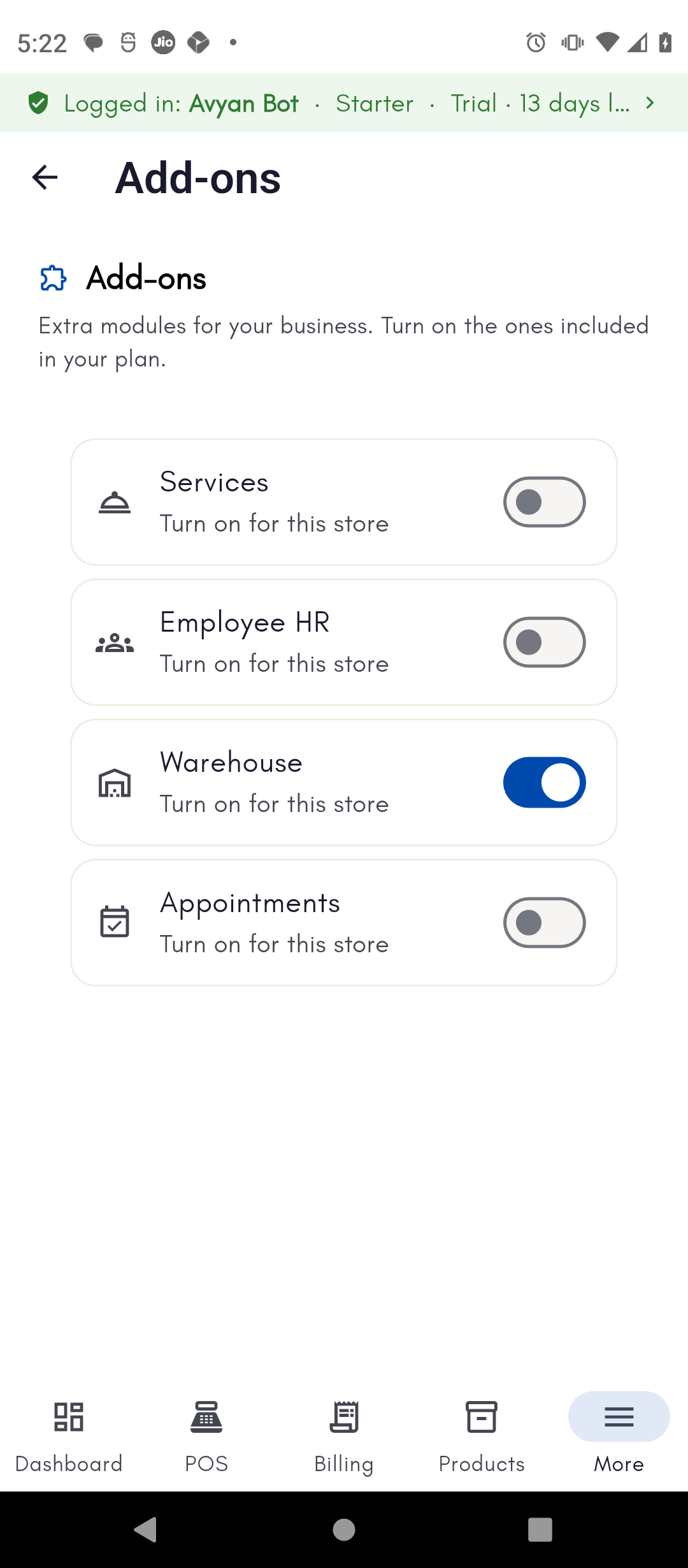
Add-ons
- Module switch (one per module — e.g. Employee HR, Warehouse, Appointments/Services) — turns a whole optional section of the app on or off for your store. A module only shows a working switch if it’s included in your plan; otherwise it’s shown unavailable. Since turning a module on or off adds or removes whole sections of the app’s navigation, this action requires your Admin PIN if one is set. See Admin PIN and permissions. Turning on Employee HR or Warehouse unlocks the corresponding section of this guide.
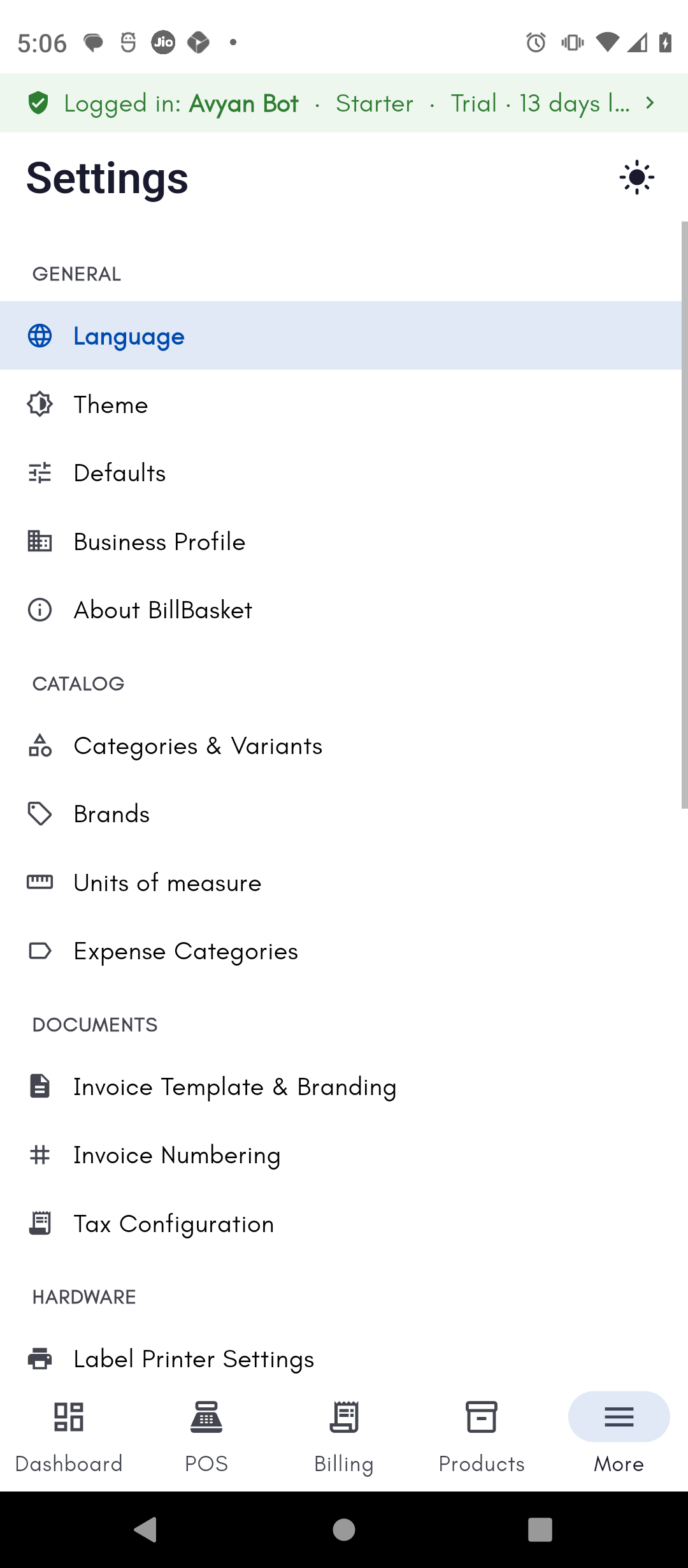
Non-working Days
- Weekly off-day chips (Mon–Sun) — tap a day to mark it as a recurring weekly closure (for example, every Sunday). This only sets your regular weekly schedule. Specific one-off holidays (like a festival closure on a particular date) are a separate system, managed on the Employee HR module’s Holidays page — see Holidays. The two don’t share data: marking a weekly off-day here doesn’t create a Holidays entry, and vice versa.
Startup & Background
Windows only — this section doesn’t appear on Android.- Run at login — starts BillBasket automatically when the PC turns on.
- Minimize to tray (on by default) — keeps BillBasket running quietly in the background when you close the window, instead of fully exiting. These two toggles are independent — you can turn on minimize-to-tray without run-at-login (BillBasket just won’t fully quit once you’ve started it manually), though together they’re what keeps BillBasket ready at the counter without ever needing to be opened manually.
Admin PIN
- Enable Admin PIN (toggle) — turning this on prompts you to set a 6-digit PIN that then protects sensitive actions like Settings, Employees, and product edits. Turning it off requires confirming the current PIN first.
- Change PIN (only shown once enabled) — set a new 6-digit PIN, replacing the old one.
- Lock now — immediately re-locks the admin-protected areas without waiting for the app to lock itself, useful right before you hand the counter to staff.
- Forgot PIN? — a reset path tied to your BillBasket account, for when the PIN is lost.
License & Account
Manage your BillBasket license and see this device’s status. See Activating your license and Devices and login for details.AI Assistant
- Master switch — turns BillBasket’s built-in AI assistant on or off. Everything else below only appears once this is on.
- Where should AI run? (On this device / Cloud / Automatic) — On Windows, “on this device” runs locally via Ollama; on Android it depends on whether the phone can run it (checked automatically) — a phone that can’t run AI locally falls back to Cloud. Choosing Automatic lets BillBasket pick the best option for the device it’s running on, rather than you having to know which to choose. The engine status chip at the top of the screen shows whether it’s currently set up and ready, or needs setup.
- Advanced (Windows only, collapsed by default) — technical detail like the Ollama connection address and model name; most shop owners never need to open this.
See it on your device
- Phone
- Tablet
- Windows PC
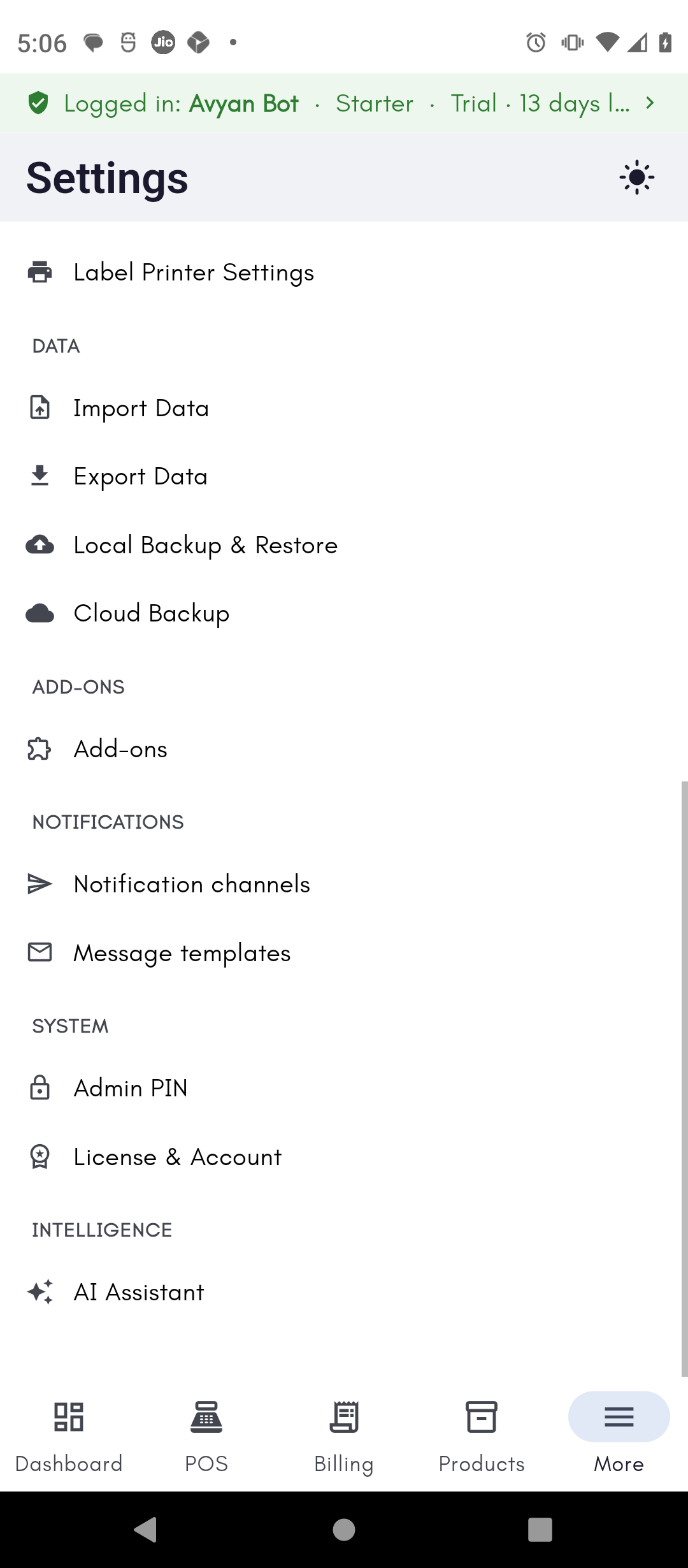
Try it: James Spa
1
Turn on Appointments/Services with your Admin PIN
James Fernandes wants to track client sessions, so he opens
Settings → Add-ons, enters his Admin PIN, and turns on the
Appointments/Services add-on.
2
Set his weekly off day
His spa is closed every Monday, so he opens
Settings → Non-working Days and taps Monday to mark it as a weekly
off day.
3
Enable run at login
Since the front-desk PC stays on all day, James opens
Settings → Startup & Background and turns on run-at-login and
minimize-to-tray, so BillBasket is always ready when Priya needs it.