BillBasket won't open
BillBasket won't open
Restart your device and try again. If it still won’t open, contact
support — see Contacting
support.
Printer isn't printing
Printer isn't printing
Check the printer is powered on and connected, and that it’s selected
under printer settings.
Barcode scanner isn't detected
Barcode scanner isn't detected
Reconnect the scanner and make sure it’s in keyboard-emulation mode; for
camera scanning, check camera permission is granted.
See it on your device
- Windows PC
- Phone
- Tablet
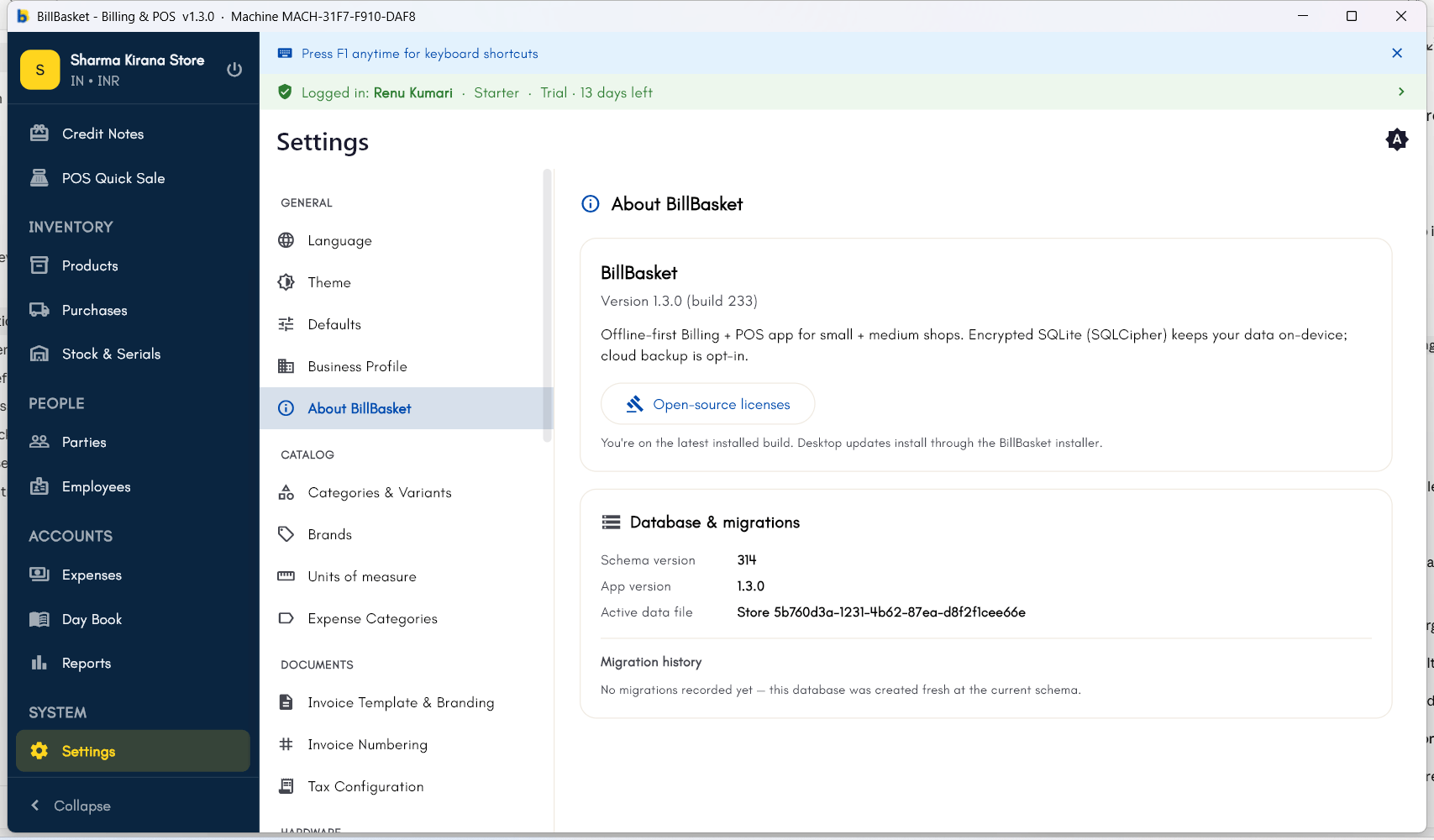
Settings → About BillBasket — check this first when reporting a
problem. It shows your exact app version and build number, plus the
database schema version, which support will usually ask for.