

On your phone (built-in camera)
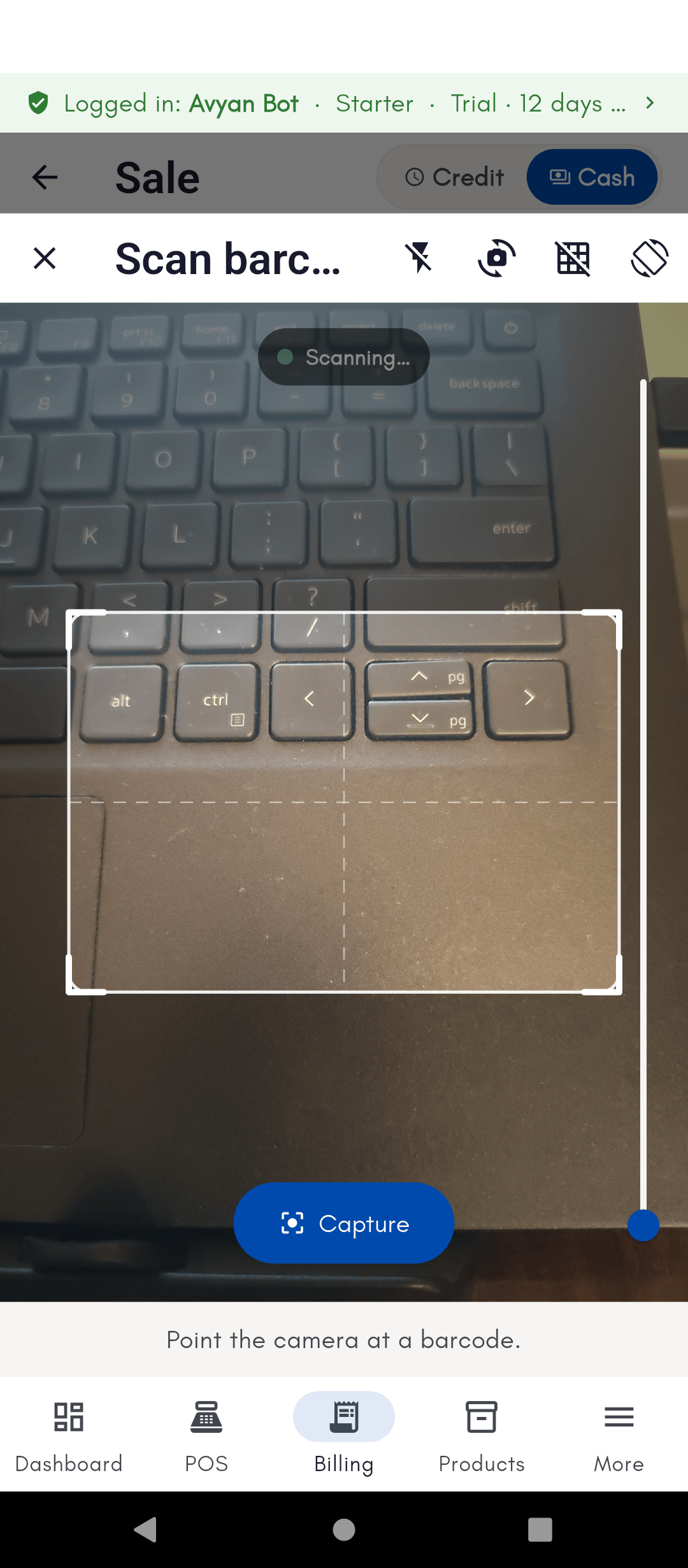
On Android and iOS, the phone’s own camera scans barcodes live — just tap the scan icon while billing or adding a product. This works out of the box, no setup needed.On Windows PC (USB scanner or barcode printer)
- USB/Bluetooth barcode scanner — plug in or pair a handheld barcode scanner and it works immediately, with zero configuration. It acts like a keyboard: scanning a code just “types” it into whatever field is focused, the same way it would on a phone with a connected scanner.
- Webcam scanning — Windows can also scan using a connected webcam, but this is an experimental, opt-in feature (off by default) since it’s less reliable than a dedicated scanner.
- USB barcode/label printer — a USB label or receipt printer is installed like any normal Windows printer (via its own driver) and then selected from the print dialog — see Printing & sharing bills.
Understanding the fields
In Settings → Hardware & Connectivity → Camera:- Scan barcodes with camera (Experimental) — a toggle, off by default, that turns on webcam-based scanning on Windows. When it’s off, every camera/scan-many icon across the app is hidden entirely (this doesn’t affect a USB or Bluetooth barcode scanner, which always works since it behaves like a keyboard).
- Camera picker — only appears once the toggle above is on. Lets you choose a specific webcam if the PC has more than one connected; if you don’t pick one, BillBasket just uses the system default.
See it on your device
- Windows PC
- Phone
- Tablet
The Camera (barcode scanning) toggle turned on in Settings — it
auto-detected this PC’s webcam and shows a Choose camera option for
picking a different one if more than one is connected. The description
is upfront that a USB/Bluetooth scanner is more reliable; this is an
opt-in fallback, not a replacement for one.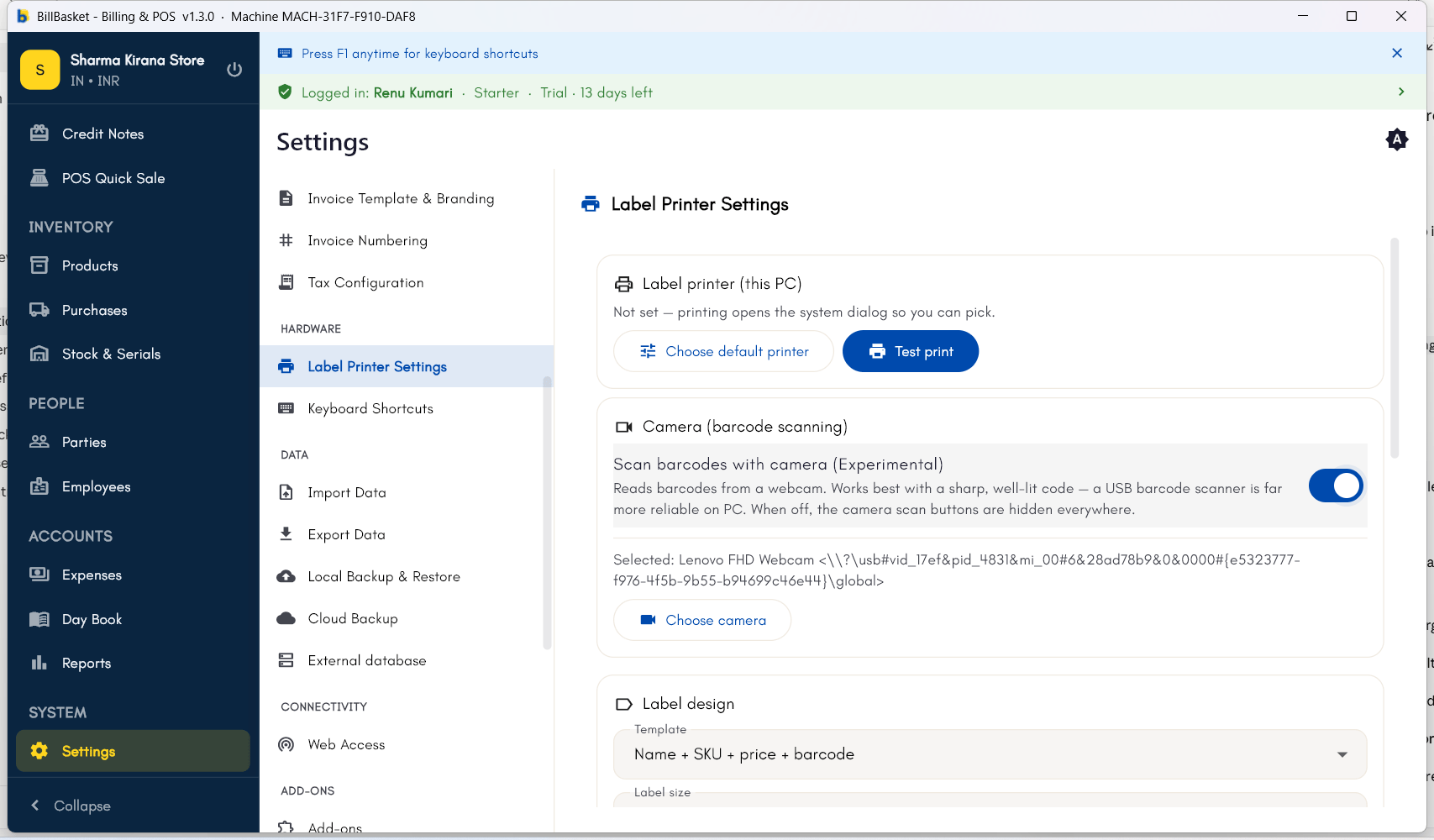
Try it: Sharma Kirana Store
1
Scan a product while billing on a phone
Meena Devi brings a packet of Parle-G Biscuits to the counter. Suresh
taps the scan icon on the billing screen and uses the phone’s camera to
scan the barcode.
2
The item adds itself to the bill
BillBasket recognizes the barcode and adds Parle-G Biscuits at ₹10
straight to Meena’s invoice, no manual search needed.
3
Use a USB scanner at the counter PC
On the Windows counter PC, Rajesh Sharma has a USB barcode scanner
plugged in. He scans Tata Salt 1kg and it behaves just like typing,
adding the item instantly — no setup was needed.
4
Scan while adding a new product
When Rajesh receives a new product without it yet in BillBasket, he
opens New Product and scans its barcode there so it’s pre-filled
for future scans.