

Serial tracking is only available for simple products (not services, and
not products already tracked by batch).
See it on your device
- Phone
- Tablet
- Windows PC
Try it: Bali Electronics
1
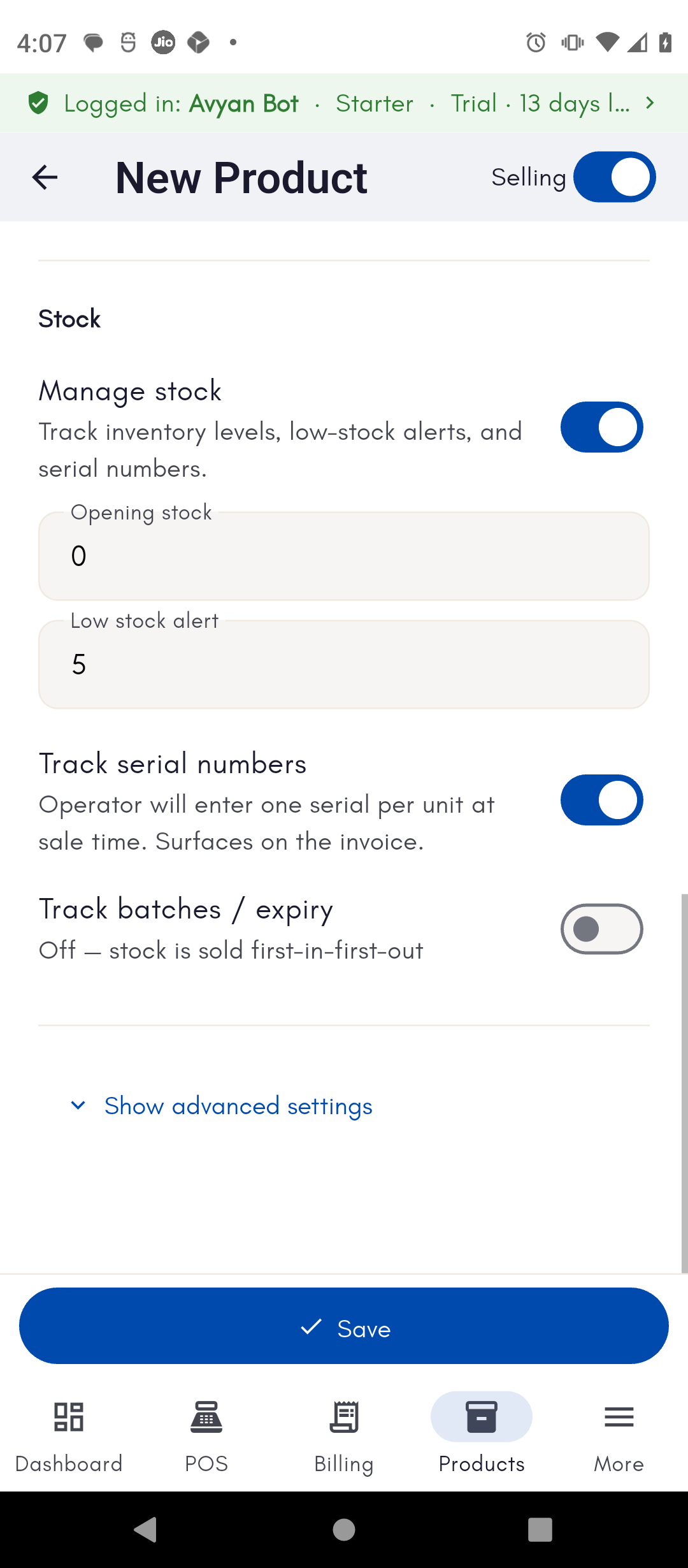
Turn on Track Serial Numbers on the product
Vikram Bali, owner of Bali Electronics, adds his “Samsung Galaxy
M14” product and switches on Track Serial Numbers so every phone can
be identified individually.
2
Enter each unit's serial number when you receive stock
When a shipment of phones arrives from his supplier, Bansal Wholesale
Traders, Vikram opens the purchase and enters each phone’s IMEI/serial
number as he unpacks the box. BillBasket only adds the stock once every
serial is captured.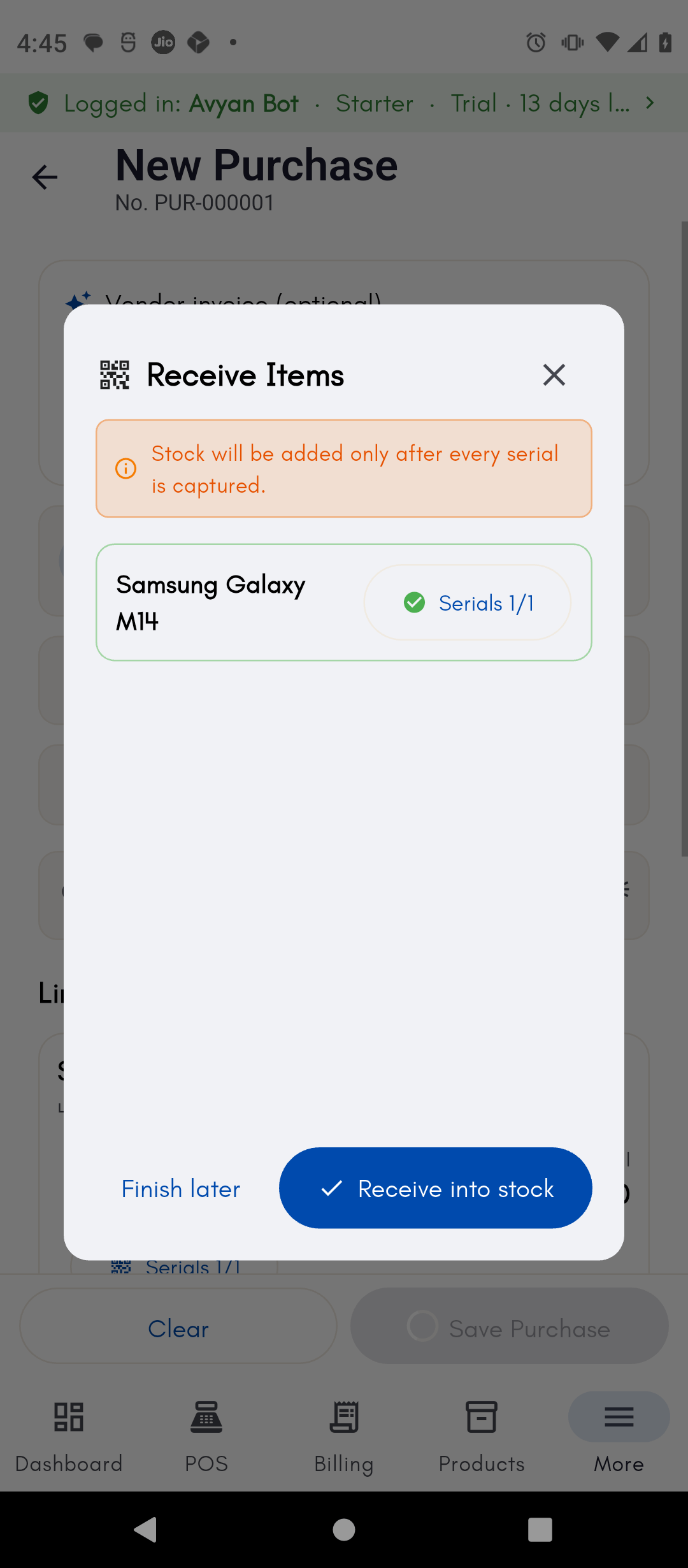
3
Pick the exact serial being sold at billing time
His staff member Deepak bills a walk-in customer for one Galaxy M14. At
the billing screen, BillBasket shows the list of in-stock serials for
that phone — Deepak picks the exact unit being handed over, or scans its
barcode/serial directly.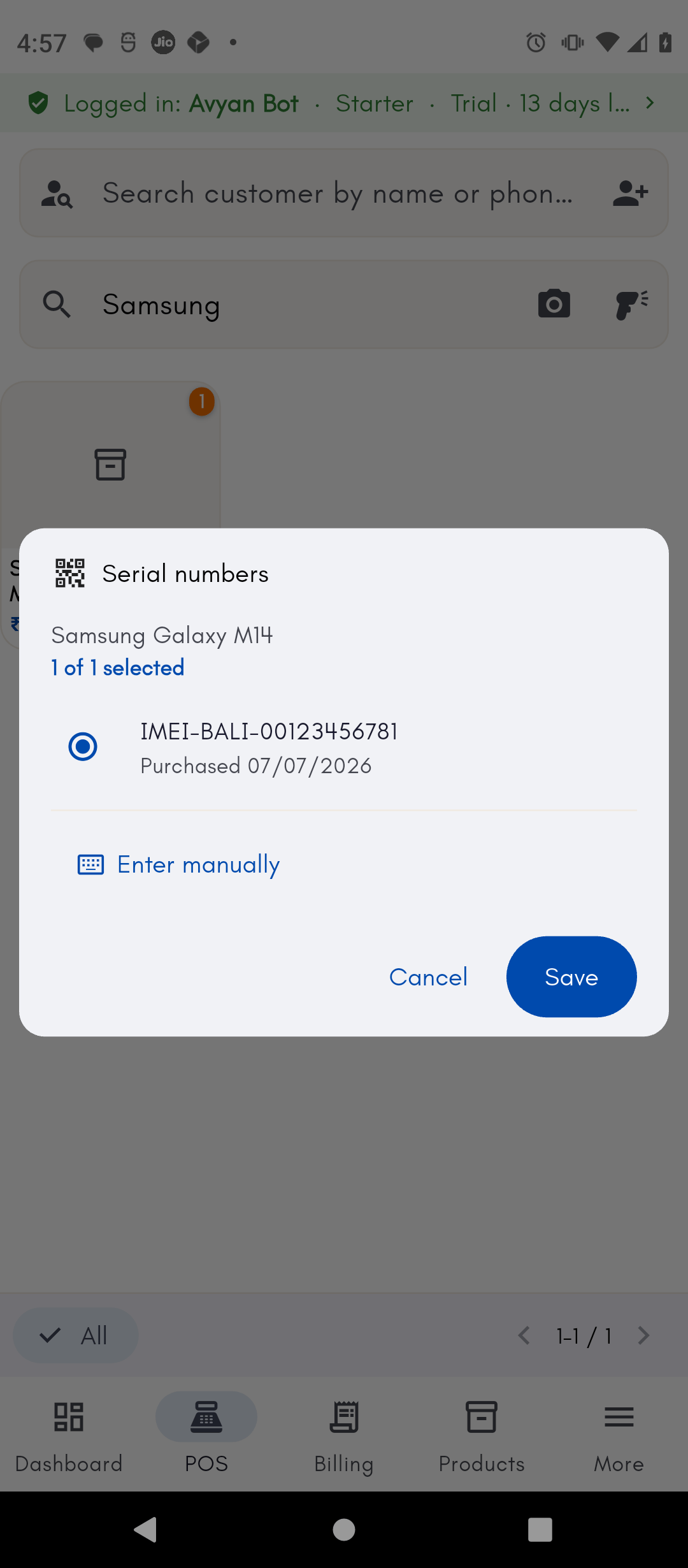
4
Process a return against the same serial
Later, if that same customer returns the phone for a defect, Vikram
looks up the sale and processes the return against that specific serial
number, so stock and warranty records stay tied to the exact unit.