

Credit notes are usually created as part of a return — when you pick
“Credit note” instead of “Cash” as the refund method. See Returns &
replacements.
Understanding the fields
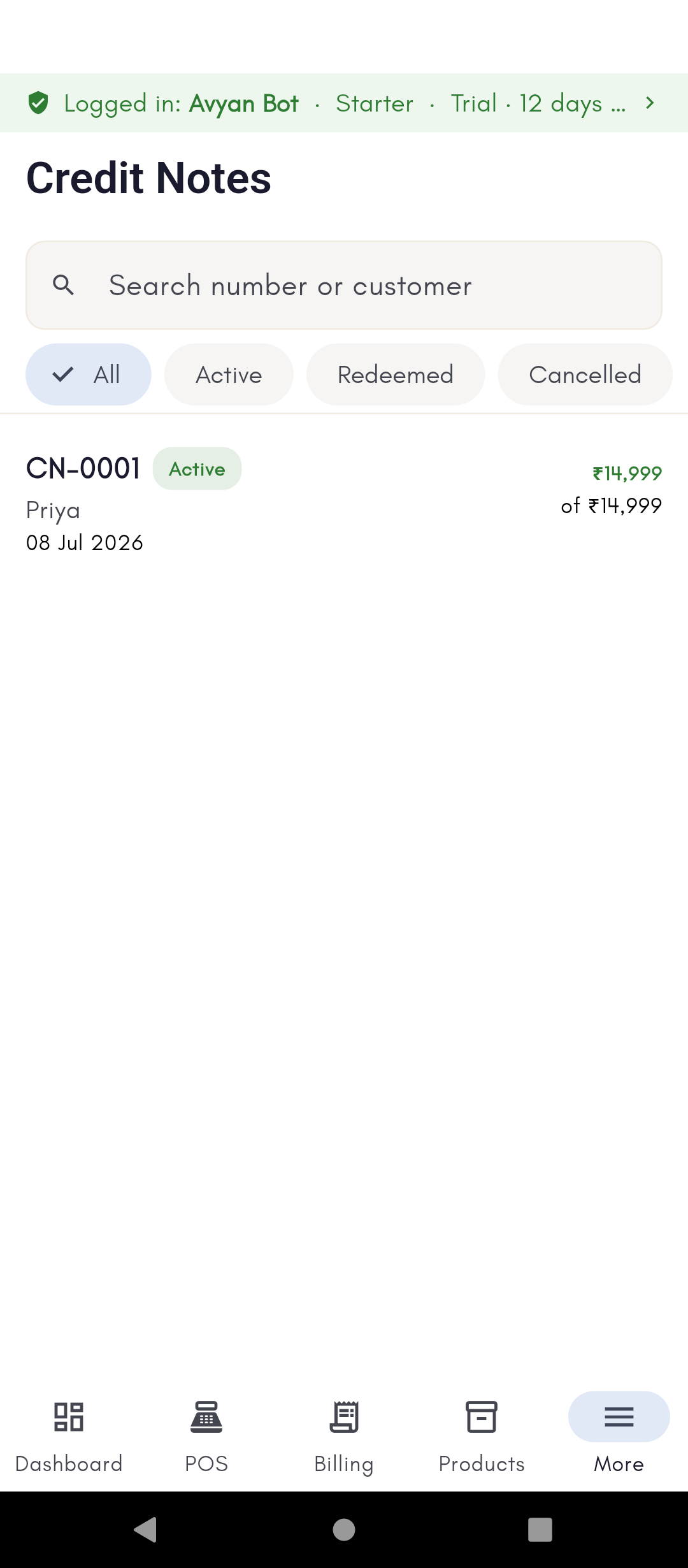
Each credit note in the register (Billing → Credit Notes) shows:- Number — the credit note’s own reference (like
CN-000001), separate from the invoice or return it came from. - Customer — the party the credit belongs to. A credit note is tied to one customer, so only that customer can redeem it.
- Issued amount — the original value of the credit note when it was created.
- Remaining — how much of that value is still unused. This is the number that matters day to day: it goes down each time the note is partly redeemed, and hits zero when fully used.
- Status — Active (has a remaining balance to spend), Redeemed (fully used up), or Cancelled (voided). The status is driven by the remaining balance, so a note flips to Redeemed automatically once its balance reaches zero.
Finding a credit note
The register has a search box (by number or customer) and status filter chips (All / Active / Redeemed / Cancelled), so you can quickly pull up just the notes a customer can still spend. Tapping a note opens its journey — where it was issued from and where it’s been redeemed.Redeeming a credit note
At billing time, Credit note appears as a payment method in the payment screen (alongside Cash, Card, UPI, and so on). Applying it draws down that customer’s available credit note balance toward the bill — you can cover the whole bill or just part of it, with the rest paid another way. See Taking payment for how payment methods combine on one bill.See it on your device
- Windows PC
- Phone
- Tablet
A credit note in the register, created from a return refunded as store
credit instead of cash — it shows the note number, customer, issue
date, Active status, and how much of its value is still available
to redeem.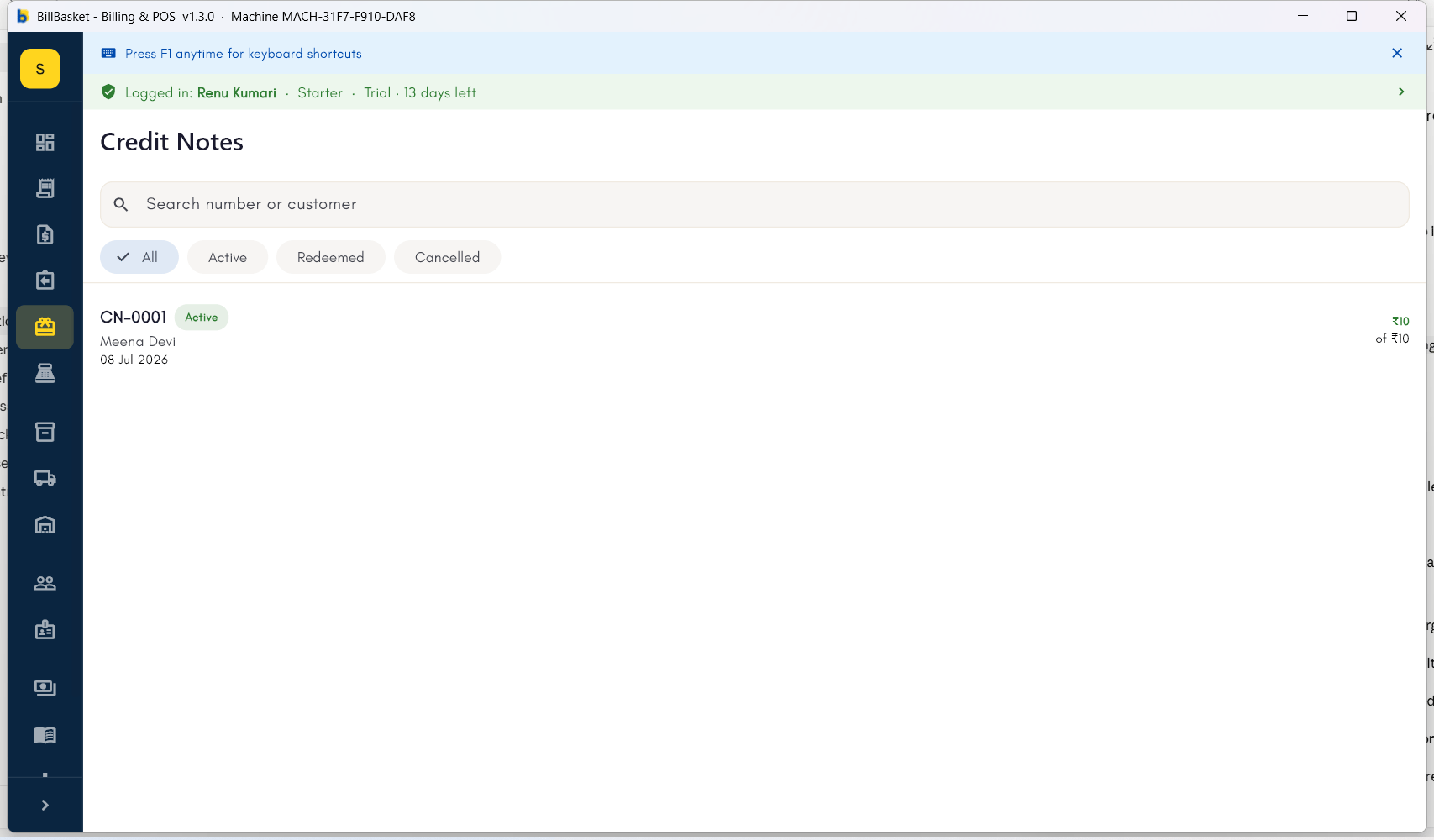
Try it: Sharma Kirana Store
1
Issue a credit note from a return
A customer returns an item worth ₹500 but wants to buy something else
later instead of taking cash back. While processing the return, Rajesh
Sharma picks Credit note as the refund method — BillBasket issues a
₹500 credit note in the customer’s name.
2
Find it in the register
Rajesh opens Billing → Credit Notes, filters to Active, and sees
the new note with ₹500 remaining.
3
Redeem it on a later bill
Next week the customer buys ₹300 of goods. At payment, Rajesh chooses
Credit note to apply ₹300 from their balance — the bill is settled
and the note now shows ₹200 remaining, still Active.