

Understanding the fields
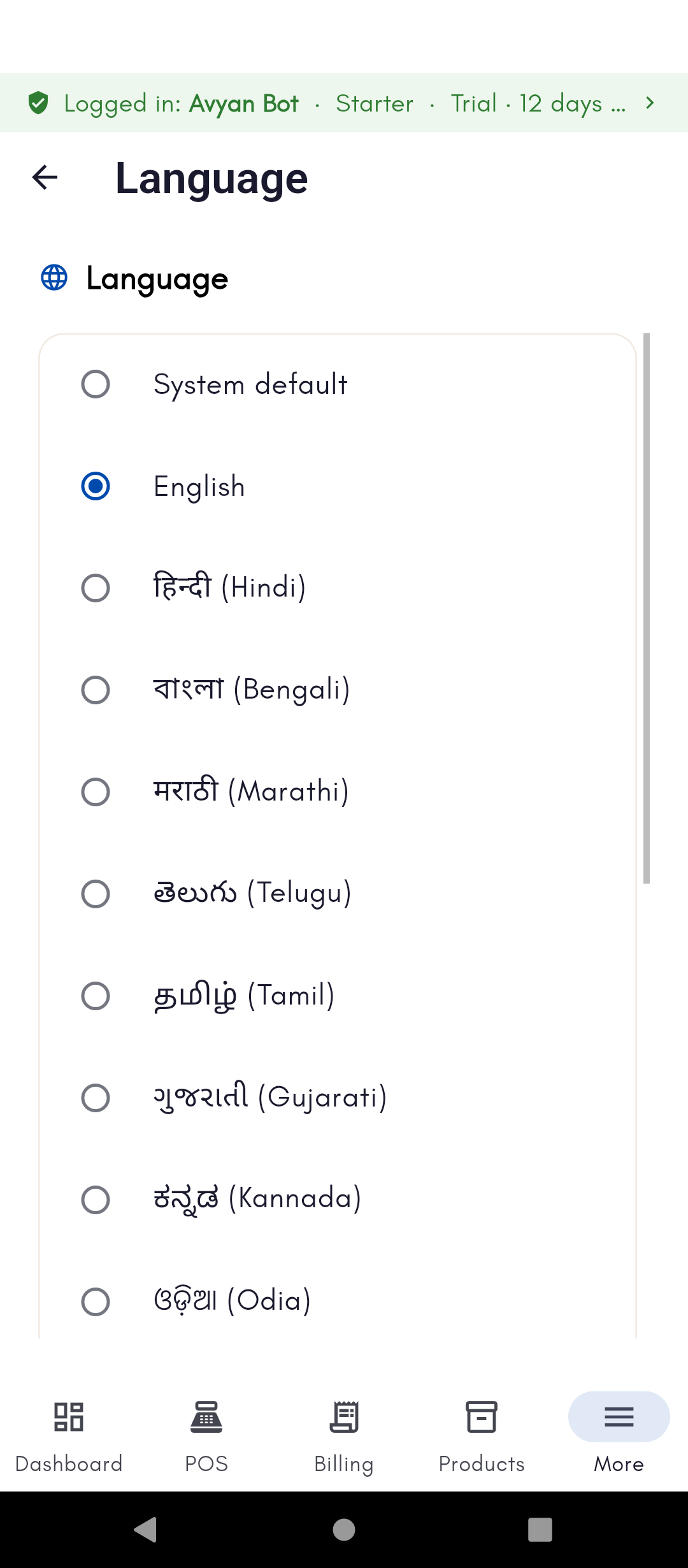
- Language — changes the app’s display language anytime. See Language & display settings for the full list of supported languages and how to switch.
- Theme (System / Light / Dark) — switches the app’s appearance. System follows your device’s own light/dark setting automatically.
- Date format — a dropdown of date patterns, with a live preview
showing “Today reads as …” using your current selection. This isn’t just
cosmetic: it also affects how BillBasket reads numeric batch labels off
scanned products — a label like
03/04is read differently depending on whether your format is day-first or month-first. Pick the format that matches how your own batch numbers are written, and note it applies app-wide, not per-screen. - Default credit limit — the most a customer can owe you on account before BillBasket blocks a further credit (unpaid) sale to them. This value only sets the default applied automatically to newly added customers — you can still raise, lower, or clear the limit on any individual customer afterward. Leave it blank or 0 for no default limit.
- Performance Log (toggle) — for troubleshooting only; when on, it records slow database queries and any that wait on a lock, useful if BillBasket (or your support contact) needs to investigate slowness with several devices billing at once. A View log button appears once it’s been recording. It adds no overhead when off, so leave it off for normal day-to-day use unless asked to turn it on.
- Business Profile — manage your business’s name, address, contact details, and tax ID shown on invoices. See Managing your store profile for the full walkthrough.
- About BillBasket — shows the app version you’re currently running, lets you check for updates, and lists open-source licenses used inside BillBasket. Check this first if you’re reporting a problem — support will usually ask for your version number.
See it on your device
- Windows PC
- Phone
- Tablet
The Settings screen’s nested menu — General, Catalog, Documents,
Hardware, Data, Connectivity, Add-ons, Notifications, System, and
Intelligence sections all live in this same left-hand list. Here,
Language is open, showing the full list of supported display
languages with English selected.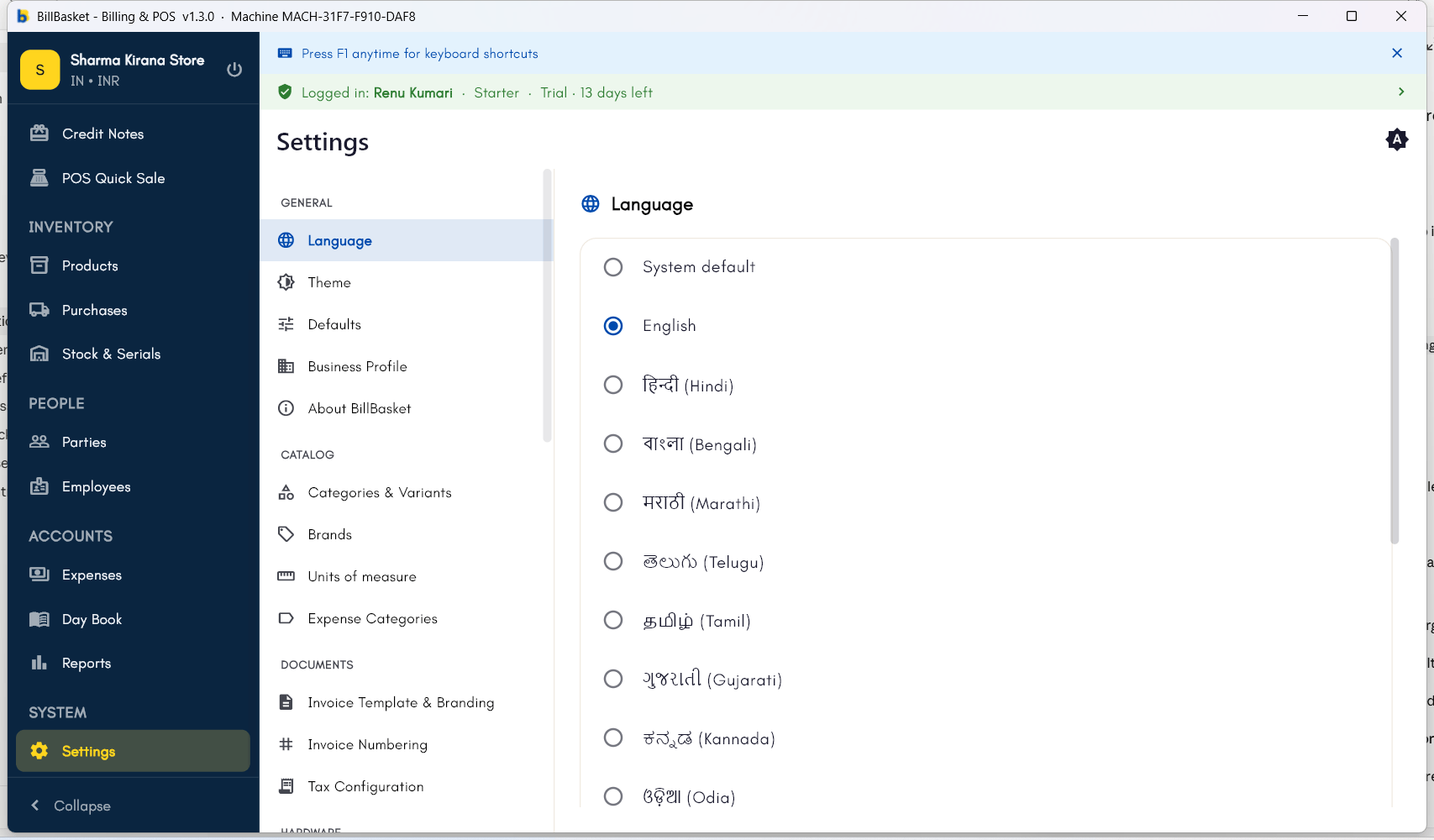
Try it: Sharma Kirana Store
1
Set the date format
Rajesh Sharma writes his batch numbers day-first, so he opens
Settings → General → Defaults and sets the date format to match,
checking the “Today reads as” preview to make sure batch labels get
read correctly.
2
Set a default credit limit
Many of his regular customers buy on credit, so he sets a default
customer credit limit of ₹2,000 in the same Defaults section — new
customers now start with that limit automatically.
3
Check the app version
Before calling support about a sync question, Rajesh opens Settings →
General → About BillBasket to note down his current app version.