

Understanding the fields
- Supplier — the party you’re buying from. BillBasket tracks a running due balance per supplier, so picking the right one keeps that account accurate.
- Vendor bill number and vendor bill date — the supplier’s own invoice number and date, exactly as printed on their paperwork. These are separate from BillBasket’s own purchase number (below) — they exist so you can match your BillBasket record back to the physical bill if a supplier ever disputes a delivery.
- Purchase number — BillBasket generates this automatically for every purchase you record. It’s your internal reference, not the vendor’s bill number.
- Purchase date — defaults to today; change it if you’re recording a delivery after the fact.
- Stock-in location — which location the stock is added to. This field only appears if you’ve turned on the Warehouse add-on; otherwise every purchase stocks into your default In-Store location automatically.
- Line items — for each product, you enter the quantity received and the unit cost you paid. Tax is calculated per line based on the product’s tax settings.
- Serial numbers — if a product has Track Serial Numbers turned on, BillBasket asks you to enter each unit’s serial number as you receive it. The purchase can’t be saved as “received” until every serial for that line is captured.
- Discount and shipping — optional flat adjustments to the total, for when a supplier gives a lump-sum discount or bills you separately for delivery.
- Amount paid — how much you paid at the time of the purchase. Whatever is left over becomes the amount due, which is added to the supplier’s running balance so you can track and settle it later. Leaving this blank (or zero) records the whole purchase as on-credit.
See it on your device
- Windows PC
- Phone
- Tablet
A New Purchase with the supplier picked, one line item added, and
quantity and cost filled in (10 units at ₹60 each). The Summary
panel on the right recalculates the subtotal and grand total live as
you edit quantity or cost, and reminds you that you’ll pick a payment
method after saving.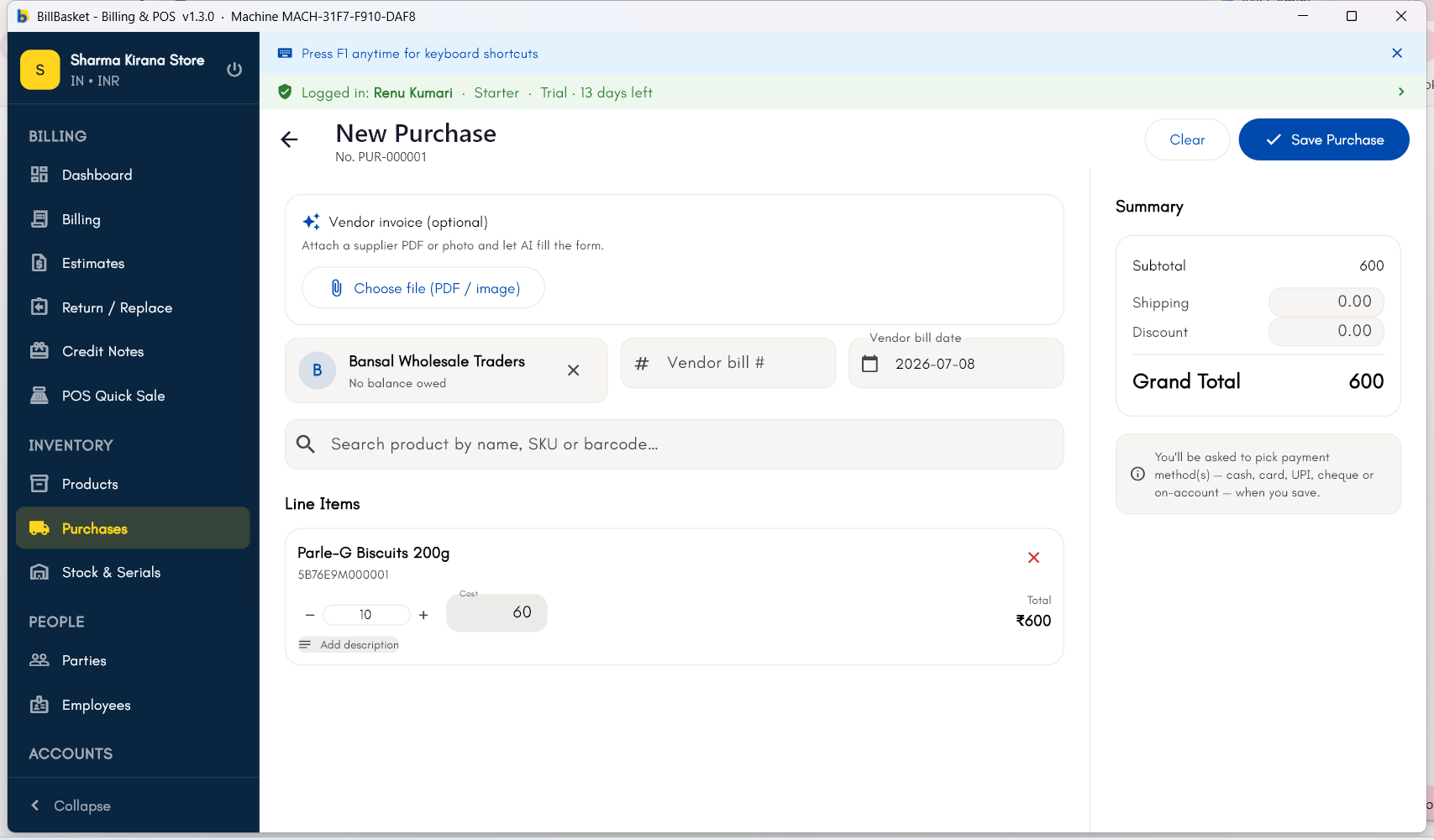
Try it: Sharma Kirana Store
1
Open Purchases and start a new purchase
Bansal Wholesale Traders delivers a fresh batch of Tata Salt 1kg and
Parle-G Biscuits to Sharma Kirana Store. Rajesh Sharma opens
Purchases → New Purchase to log it.
2
Pick the supplier and add the items
He selects “Bansal Wholesale Traders” as the supplier, then adds Tata
Salt 1kg and Parle-G Biscuits with the quantities and purchase price
from the delivery invoice.
3
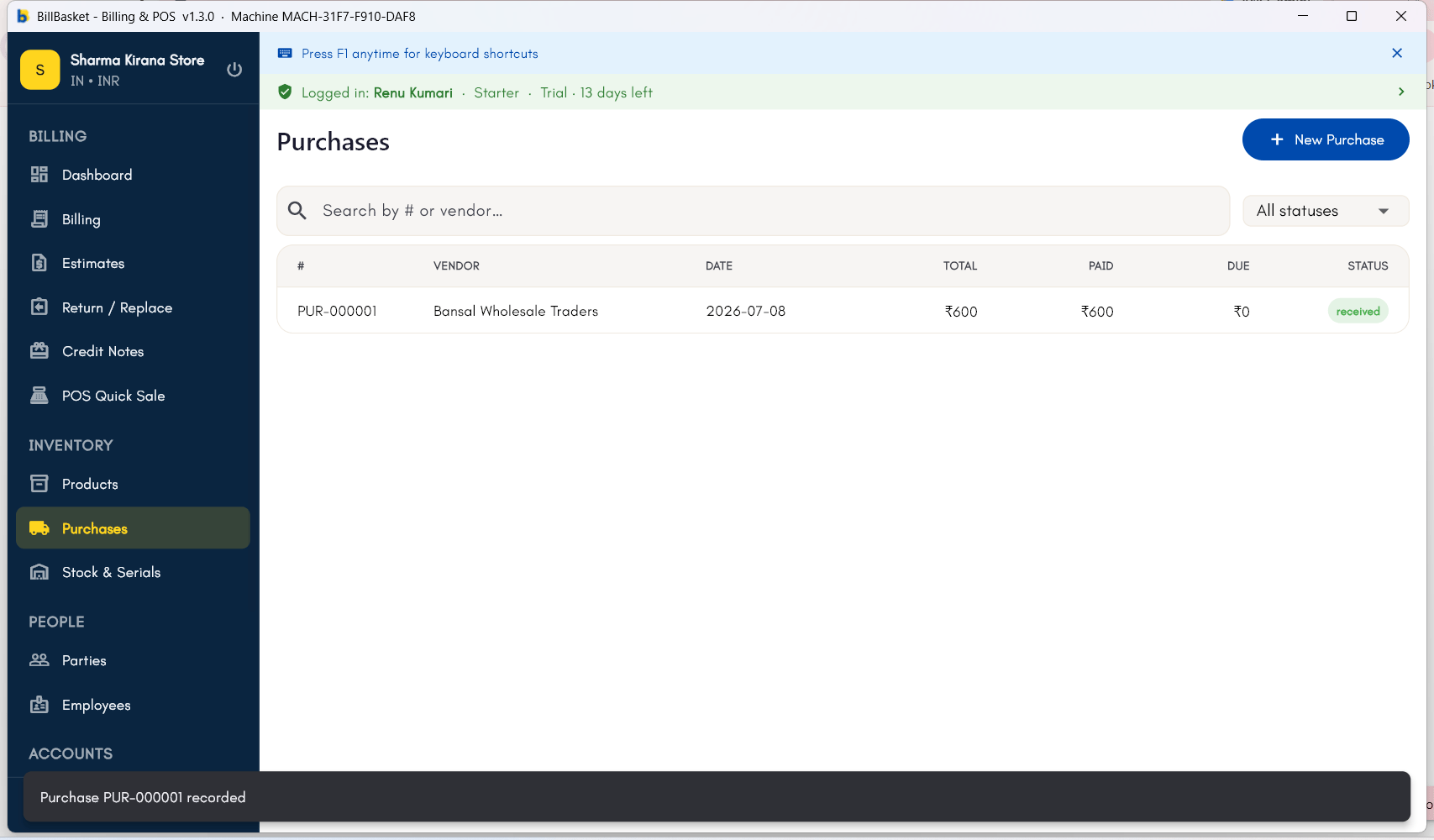
Save and let stock update automatically
Once saved, BillBasket adds the new quantities to inventory right
away, ready to sell.
4
Track the supplier due if bought on credit
Since Rajesh took this delivery on credit, BillBasket updates Bansal
Wholesale Traders’ account with the amount owed, so he can track and
settle it later.