

Employee HR is an optional add-on module — turn it on from Settings →
Add-ons (Admin PIN required) if you don’t see it in your menu.
Understanding the fields
- Name — a label for the holiday, like “Diwali” — this is what shows up in the holiday list and in attendance for that date.
- Date — the single date the holiday falls on. There’s no date-range field; a multi-day festival needs one entry per day.
- Type — Holiday or Closure. Both work the same way for payroll and attendance; the distinction is just for your own record-keeping (for example, telling a planned festival holiday apart from an unplanned closure).
- Active — a holiday can be deactivated instead of deleted, which removes it from future payroll calculations while keeping the historical record intact for months where it already applied.
How holidays affect payroll
The holiday list is per-store and feeds directly into two places:- Attendance — a date you’ve added here automatically shows as Holiday in the attendance list for every employee, instead of needing to be marked by hand day by day.
- Payroll — when you run payroll for a month, any holiday that falls inside that month reduces the payable days used to calculate salary — so your staff aren’t short-changed for a day your store was closed, and you don’t have to remember to adjust it manually.
This is for one-off, named holidays only. For your store’s regular
weekly off day (for example, every Sunday), set that separately under
Settings → Non-working Days.
That weekly off day shows up in attendance as Week off, distinct from a
named Holiday entry, but both count the same way in payroll.
See it on your device
- Windows PC
- Phone
- Tablet
A saved holiday in the Holidays tab — “Diwali” with its date, ready
to automatically show as Holiday in attendance and reduce payable
days when payroll runs for that month.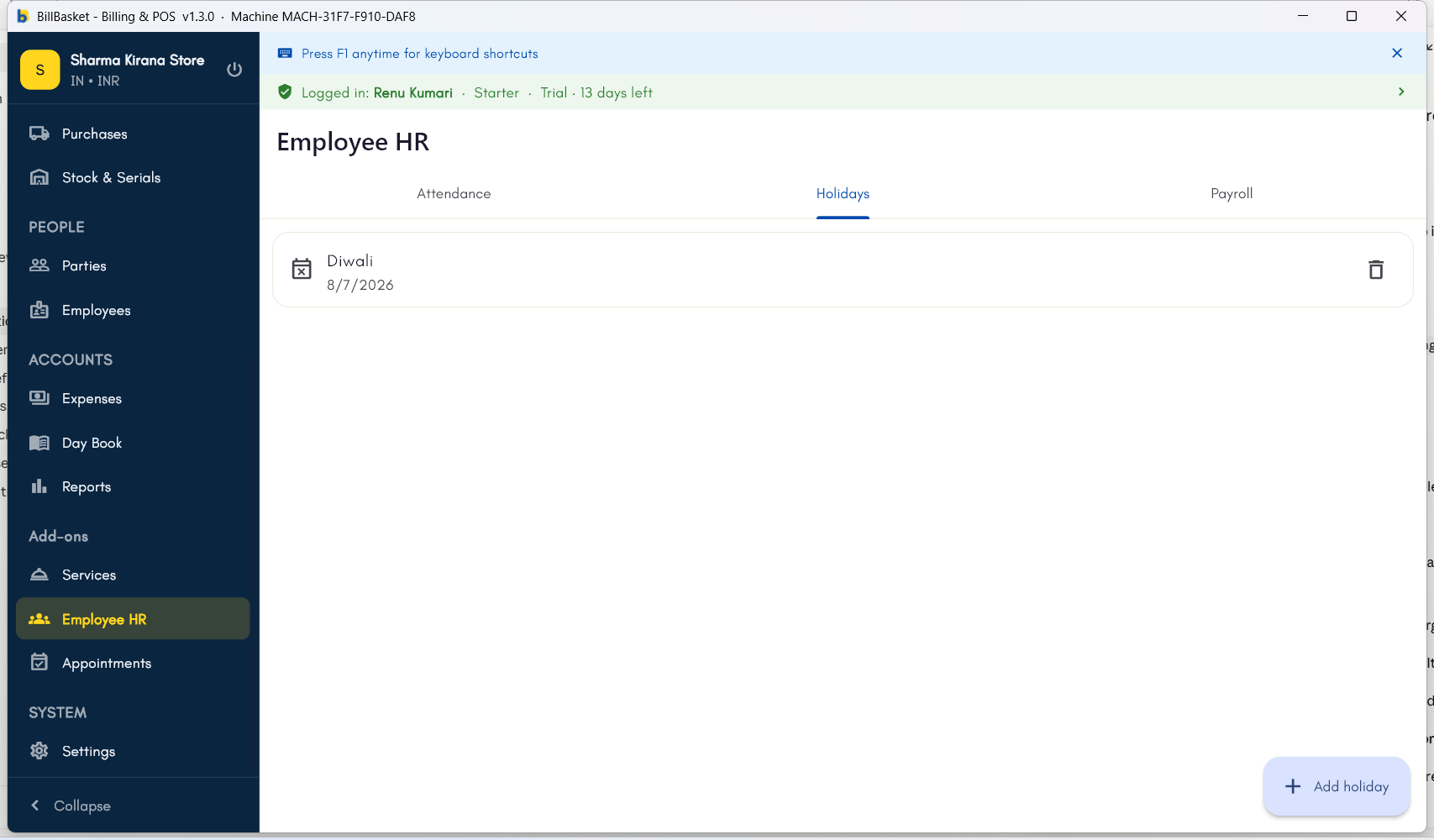
Try it: Sharma Kirana Store
1
Plan ahead for a known closure
Rajesh Sharma knows Sharma Kirana Store will be closed for Diwali next
month, so he opens Employee HR → Holidays today instead of waiting.
2
Add the holiday with a name and date
He adds a new holiday named “Diwali” and sets it to the correct date.
3
Let payroll pick it up automatically
When Rajesh runs payroll at the end of that month, the Diwali holiday is
already accounted for in the payable days — no manual adjustment needed.