

Employee HR is an optional add-on module — turn it on from Settings →
Add-ons (Admin PIN required) if you don’t see it in your menu.
Understanding the fields
- Date — the day you’re marking attendance for. One row is stored per employee per day, so you can go back and fix an earlier date if you forget to mark it same-day.
- Status — each employee’s day is set to one of Present, Absent, Half-day, Paid Leave, Week off, or Holiday. The last two aren’t things you pick by hand day-to-day — a date you’ve added under Holidays is automatically reflected here, and your store’s weekly off day (set separately in Settings) works the same way.
- Mark all present — a shortcut that sets every active employee’s status for the selected date to Present in one tap, since most days most staff simply show up. Selecting an individual employee afterward and choosing a different status overrides the “all present” default only for that one person.
- Hours worked — an optional number of hours for the day, if you want finer-grained tracking than a simple Present/Half-day split.
- Note — a free-text field for context, like “left early — doctor’s appointment.”
- Joining date — set on the employee’s own record, not here — attendance and payroll both ignore any date before an employee’s joining date, so a newly added employee doesn’t accidentally show as “absent” for days before they started.
Only an employee’s status for each day feeds payroll — see
Payroll & salary
for exactly how Present/Absent/Half-day/Paid Leave/Holiday days turn into
payable days.
See it on your device
- Windows PC
- Phone
- Tablet
The Attendance tab for today’s date, with an employee marked
Present — the checkmark confirms the status is saved. Mark all
present at the top handles the whole staff in one tap when everyone
showed up.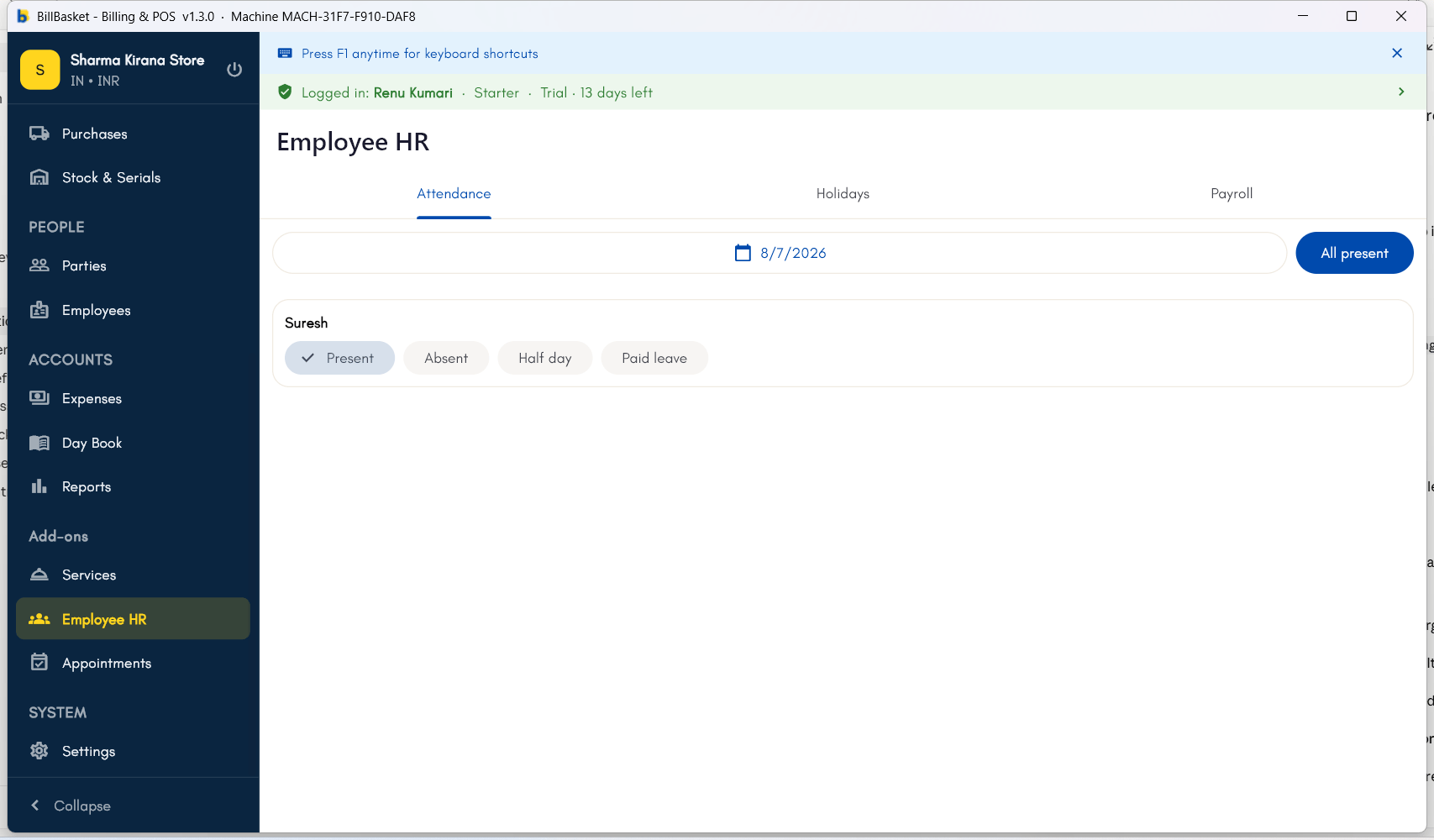
Try it: Sharma Kirana Store
1
Open Attendance and pick today's date
Every morning, Rajesh Sharma opens Employee HR → Attendance for
Sharma Kirana Store and picks today’s date.
2
Mark everyone present in one tap
He taps Mark all present so his whole staff, including Suresh, is
recorded as present for the day in one step.
3
Fix the one exception
Suresh leaves early that afternoon. Rajesh finds Suresh in the list and
taps the Half-day chip to update just his entry.