

Warehouse is an optional add-on module — turn it on from Settings →
Add-ons (Admin PIN required) if you don’t see it in your menu.
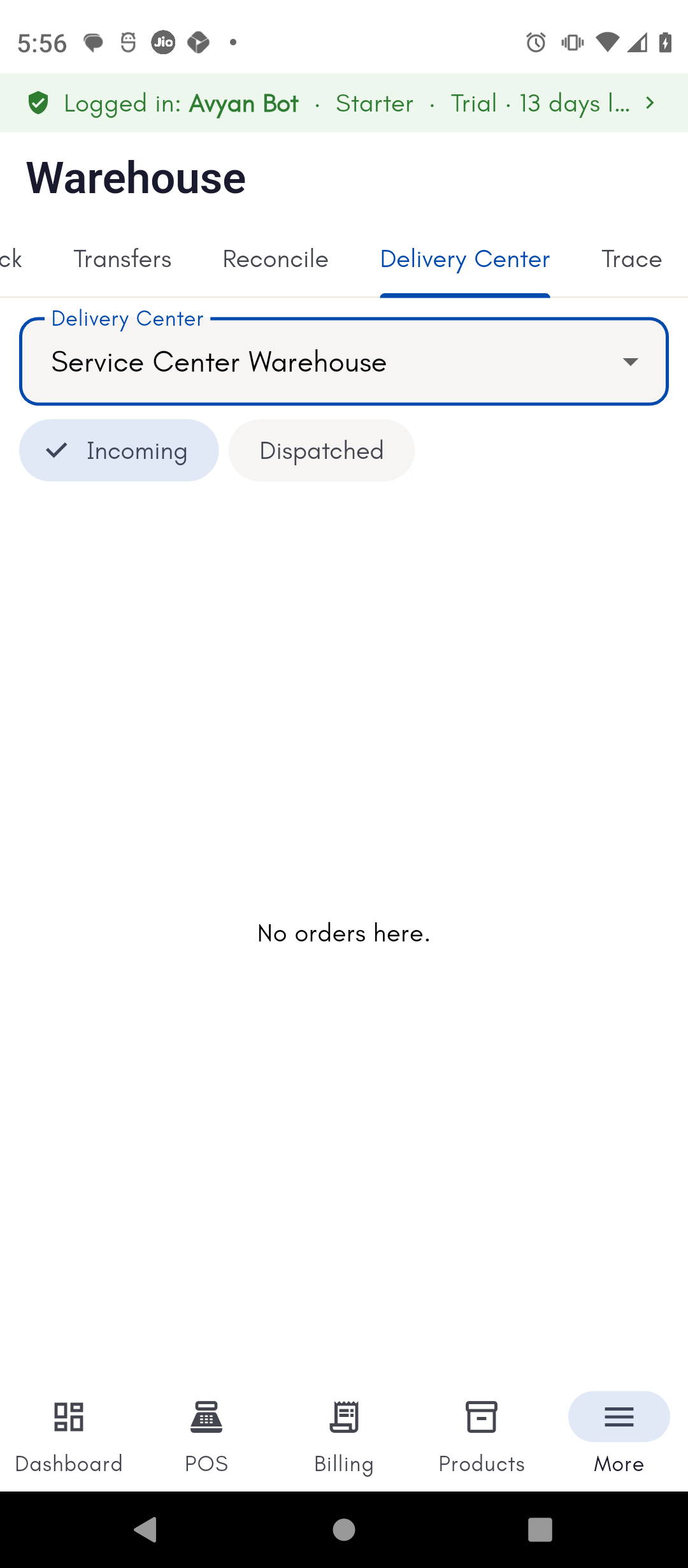
Dispatching from a delivery center
Pick a warehouse to act as your delivery center, and BillBasket shows you the pending orders and invoices waiting to ship from it. Dispatch one by printing a Dispatch Challan — this flips the order’s status to “dispatched.” If you need another copy later, already-dispatched orders can have their challan reprinted on demand.Tracing by serial or batch number
Search by serial number (for serial-tracked products — see Tracking serial numbers) or by batch number to see that exact unit’s product details, current warehouse location, status, and full movement history. Serial and batch search both support scanning a barcode instead of typing. You can also print a HUN (Hierarchical Unit Number) traceability label for a unit.How to do it
See the step-by-step walkthrough for dispatching an order and tracing a unit.