

See it on your device
- Phone
- Tablet
- Windows PC
Try it: Bali Electronics
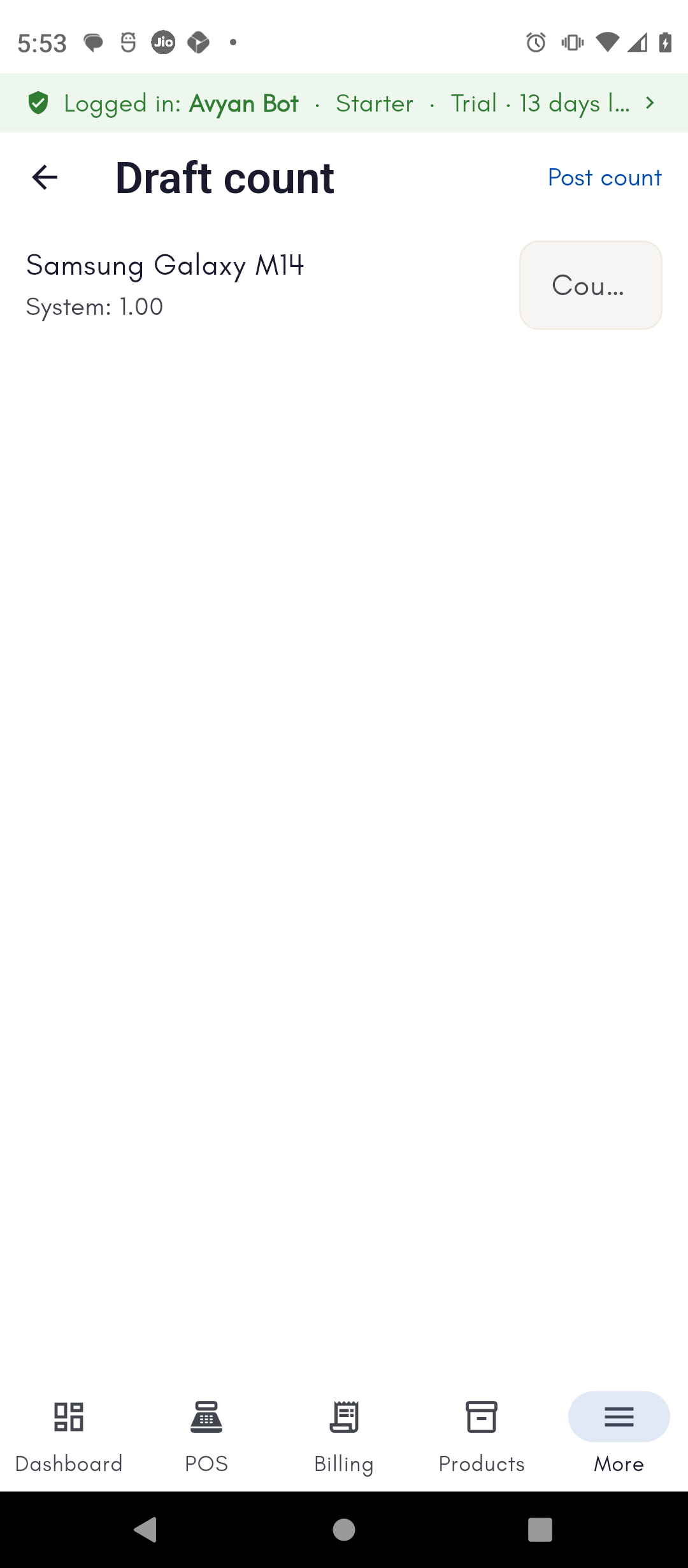
Start a draft count and enter what you actually counted
Vikram Bali runs a physical stock count at his Service Center
Warehouse, starting a draft reconciliation and entering the quantity he
counted for a phone model — the system expects 1, and he counts 1 on
the shelf.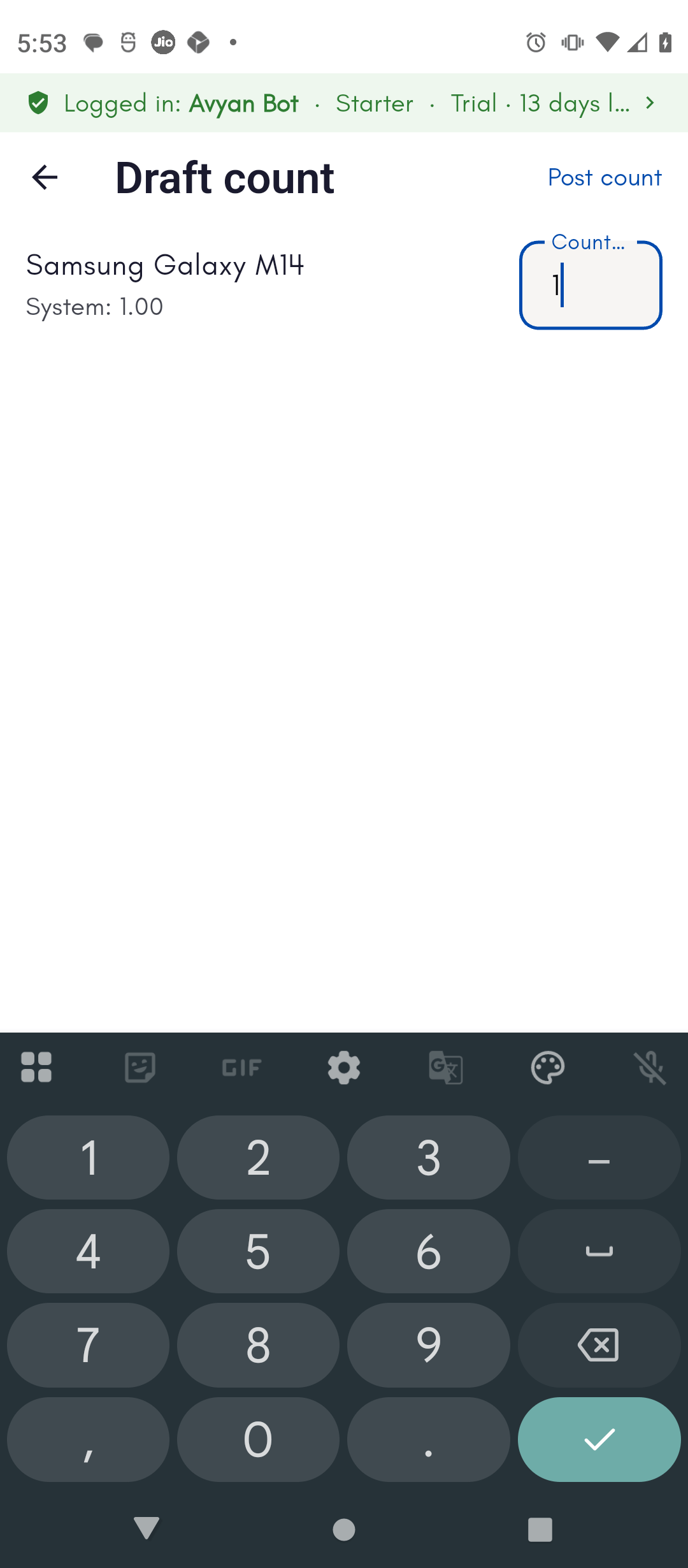
Post the count to finalize it
With no variance found this time, Vikram posts the count. BillBasket
confirms the reconciliation is posted and the system total stays in
sync with the shelf.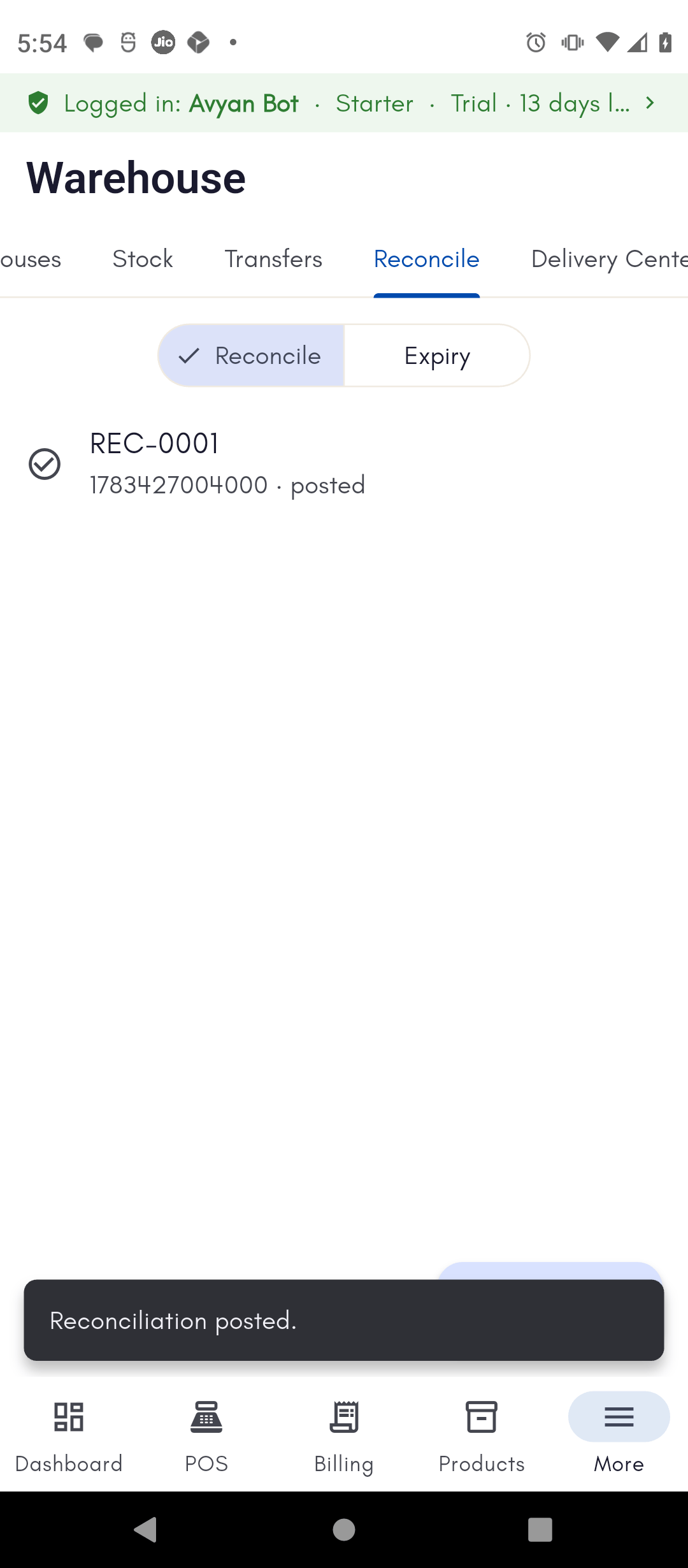
What it is
Back to the overview of reconciliation and expiry write-offs.