

Warehouse is an optional add-on module — turn it on from Settings →
Add-ons (Admin PIN required) if you don’t see it in your menu.
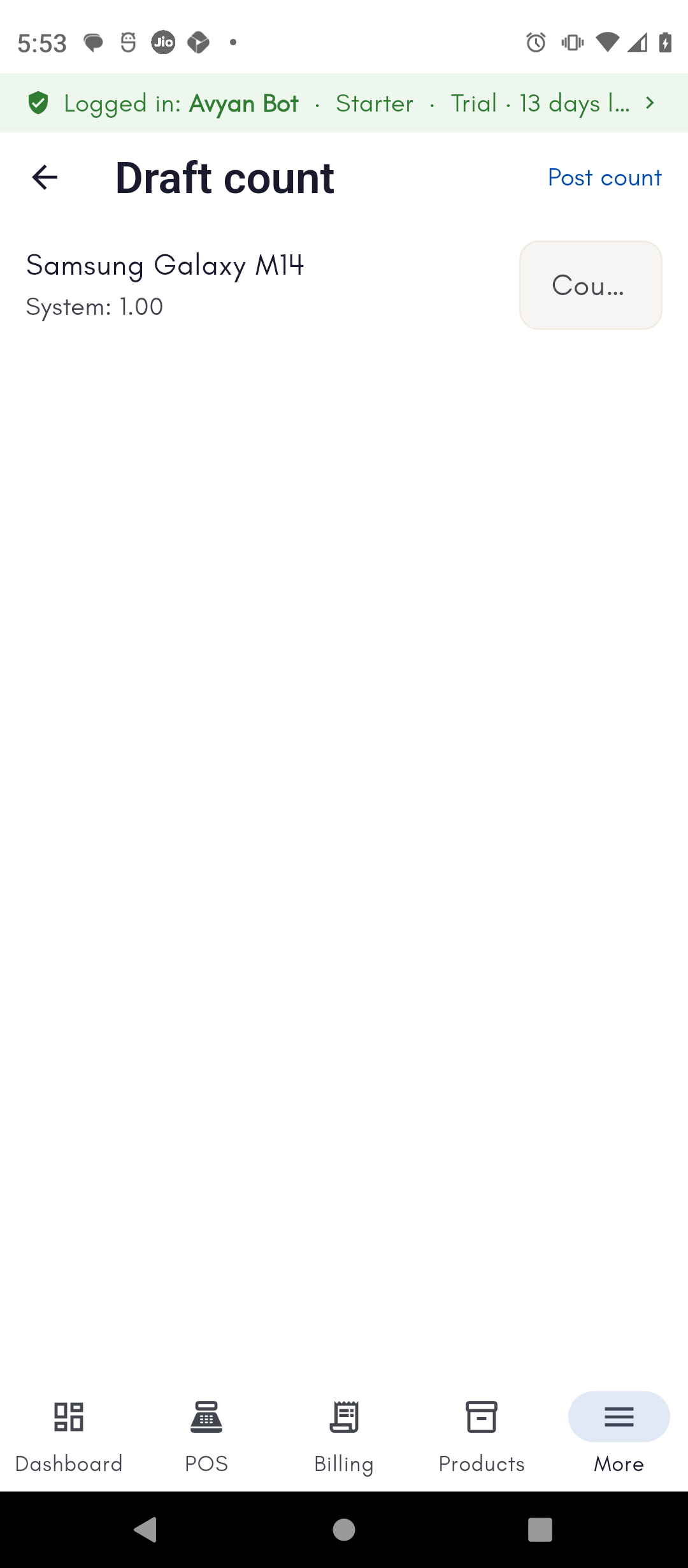
Reconciling a physical stock count
Start a draft count for a location — In-Store or any warehouse — and manually enter the quantity you counted for each product. BillBasket shows you the variance against what the system expects. When the count is right, posting the draft finalizes it and adjusts your system inventory to match what’s actually on the shelf.Writing off expired or lost stock
For batch/lot-tracked products, the Expiry view shows near-expiry and after-expiry batches per location — batch number, expiry date, and quantity. If a lot has gone bad or gone missing, mark it Expired or Lost to write it off. This zeroes its quantity and records the loss, so your stock totals stay accurate.How to do it
See the step-by-step walkthrough for running a count and writing off a batch.