

See it on your device
- Phone
- Tablet
- Windows PC
Try it: Bali Electronics
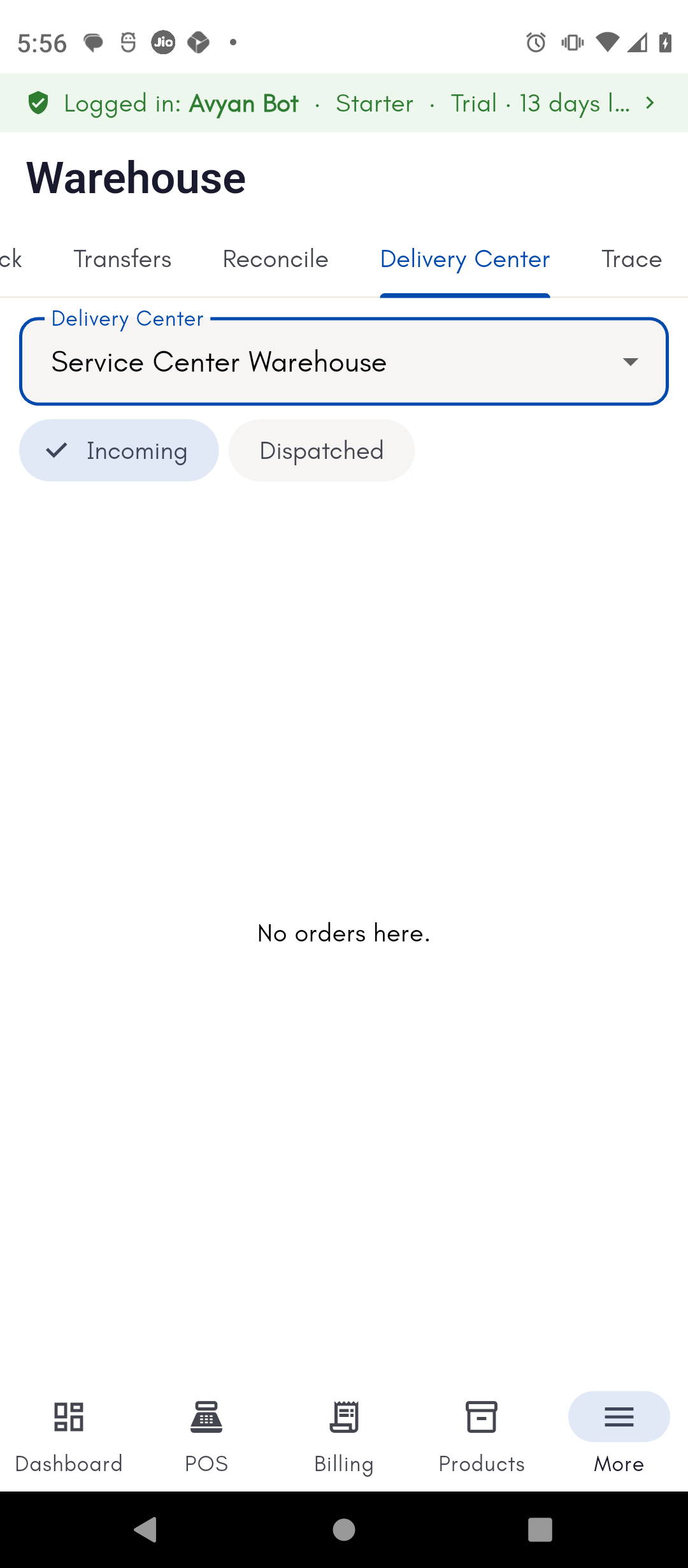
Pick a delivery center and find the pending order
A customer’s phone order needs to ship from the Service Center
Warehouse. Vikram Bali picks it as the Delivery Center and switches to
the Incoming tab to find the pending order.
Dispatch the order and print the Dispatch Challan
Vikram dispatches the order, printing the Dispatch Challan. His staff
member Deepak later needs a spare copy for the courier, so he reopens
the same order from the Dispatched tab and reprints it.
What it is
Back to the overview of dispatch and traceability.