

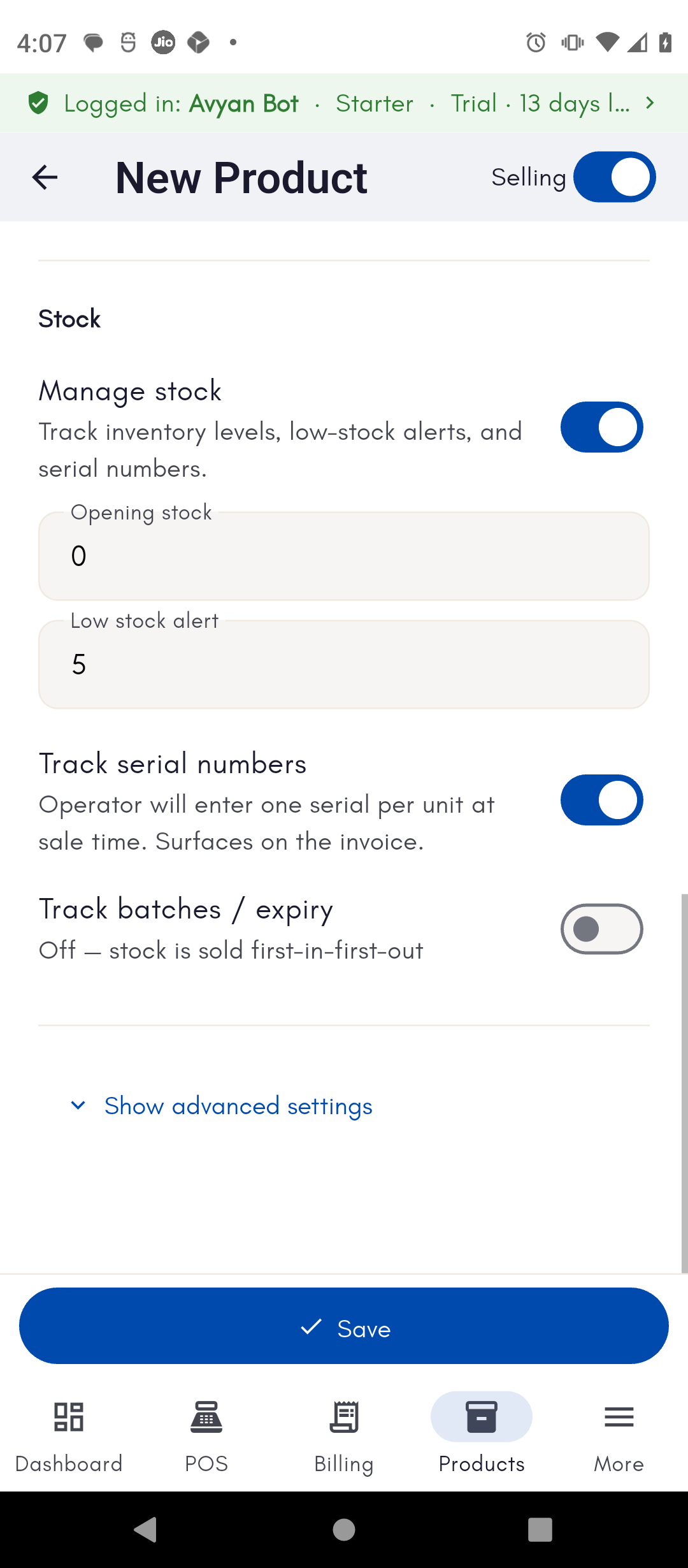
Serial tracking is only available for simple products (not services, and
not products already tracked by batch).
How to do it
See the step-by-step walkthrough for receiving, selling, and returning a serial-tracked unit.
Track individual units of a BillBasket product by serial number from stock receipt through billing, warranty lookup, and returns — ideal for electronics.